Appearance
Get Started
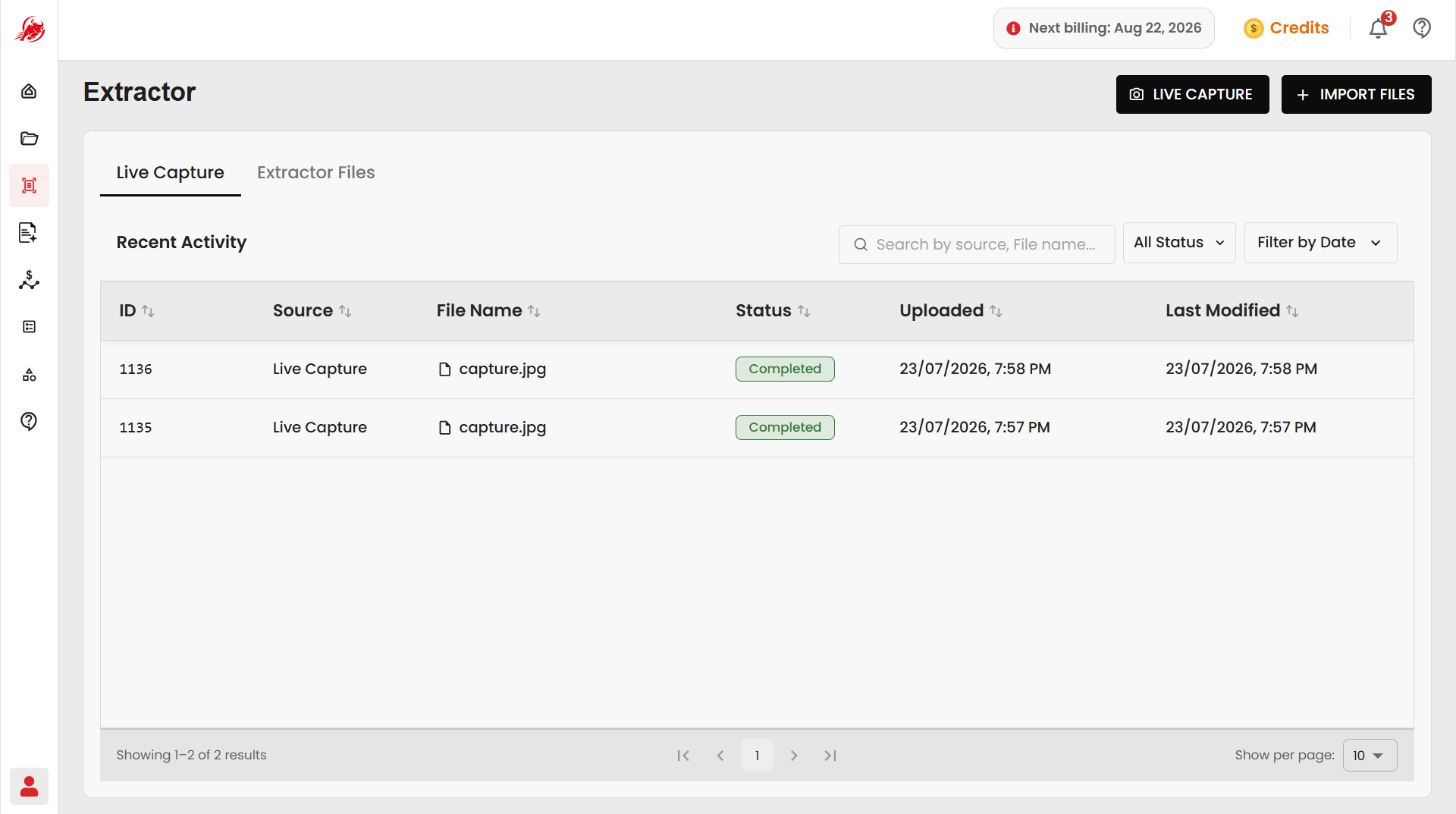
Extractor helps you digitize documents by capturing or uploading them and converting their content into searchable text or structured data using Optical Character Recognition (OCR).
Choose one of the following methods to begin processing your documents.
Live Capture
Capture physical documents in real time using your camera and extract text instantly.
Import Files
Upload existing documents from your computer, My Files, or connected plugins for text or structured data extraction.
Workflow
Choose the workflow that best fits your document processing needs.
Live Capture
Use Live Capture when you want to scan physical documents using your device's camera.
Workflow:
- Capture a document using Single Capture or Bulk Capture.
- Review the extracted content.
- Apply Deep Mode to improve OCR accuracy when required.
- Save the extracted results to your Workspace.
Import Files
Use Import Files when your documents already exist in digital format.
Workflow:
- Import documents from your computer, My Files, or connected plugins.
- Select a template when structured extraction is required.
- Extract text or structured fields.
- Save the extracted results to your Workspace.
Key Features
| Feature | Description |
|---|---|
| OCR Processing | Extract text from scanned documents and images with high accuracy. |
| Live Capture | Capture documents directly from your camera. |
| Template Extraction | Extract structured data using reusable templates. |
| Multiple Sources | Import files from local storage, My Files, and cloud plugins. |
| Flexible Export | Save results in TXT, CSV, XLS, JSON, and XML formats. |
Supported Document Types
- PDF Documents
- JPG
- PNG
- WEBP
- Multi-page scanned documents
- Camera captures
Output Formats
- TXT
- CSV
- XLS
- JSON
- XML