
Appearance
Mercury
Overview
Mercury lets you process many documents at once — upload a batch of files, sort them into categories, pull out their data, and export the results.
TIP
Batch processing means working on many documents together as one group, instead of one at a time.
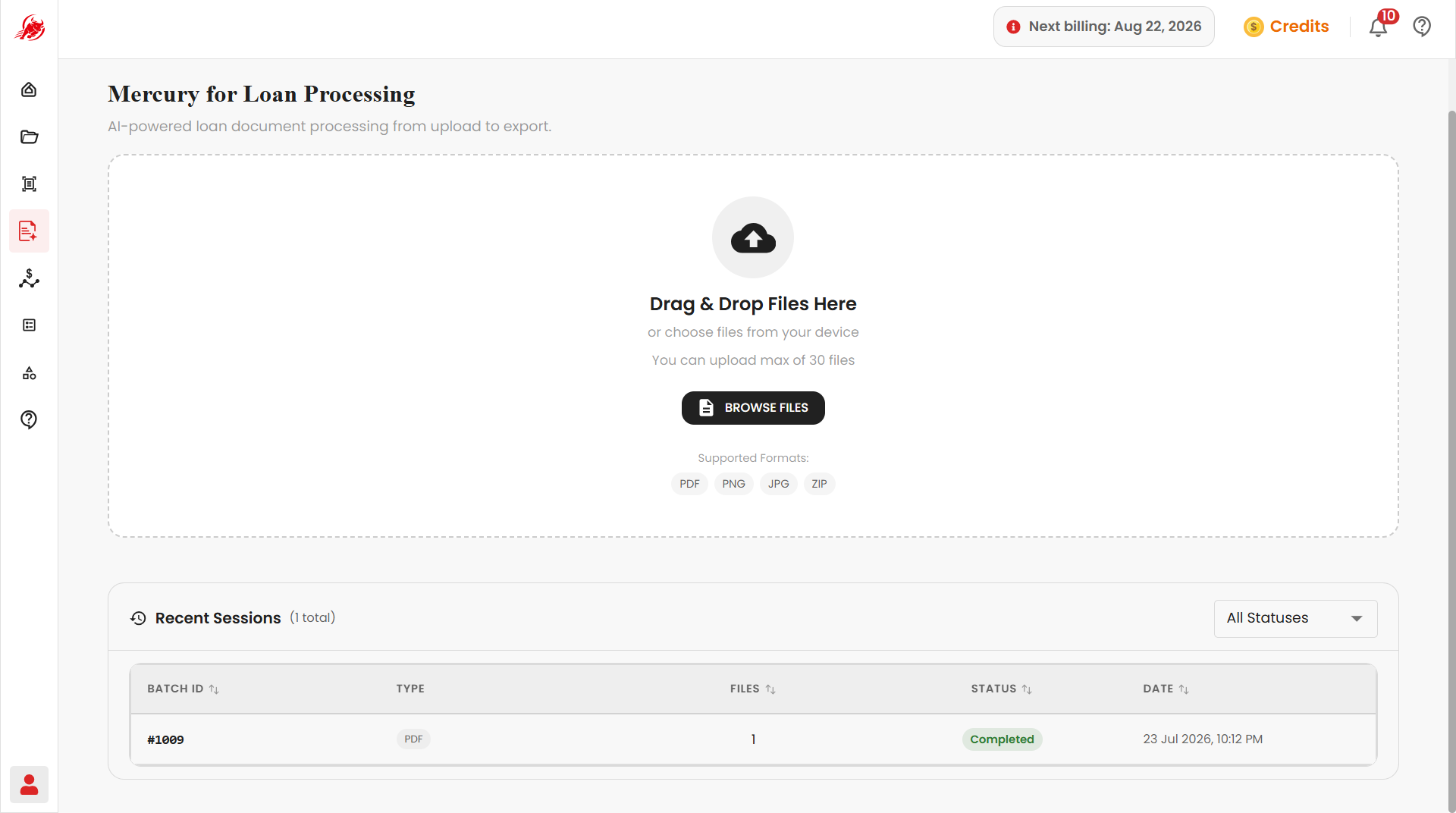
Mercury works through five stages, in order:
1
Upload files
Drag and drop your documents onto Mercury, or browse to select them from your computer.
2
Classify documents
Mercury automatically sorts each document into a category, such as Bank Statement, KYC Document, or Invoice.
3
Map templates
Assign the extraction template each document category should use.
4
Continue extraction
Mercury OCRs each document and pulls out the fields defined by its mapped template.
5
Export results
Download a Combined File or Separate Files by Type, in Excel or JSON.
Next steps
- Mercury — step-by-step instructions on uploading, classifying, mapping templates, extracting, and exporting your documents